Getting Started With WordKnight
WordKnight is designed to make learning the Word engaging, competitive, and rewarding. Whether you’re joining for the first time, participating in your first tournament, hosting one for others, or jumping into a battle quiz, this guide walks you through the essentials so you can get started with confidence.
1/30/20261 min read
Hosting Your Own Tournament
Hosting a tournament on WordKnight allows you to bring people together for a shared experience centered on Scripture.
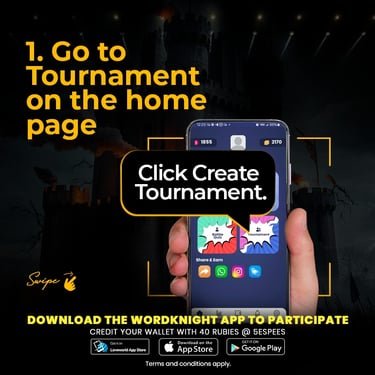
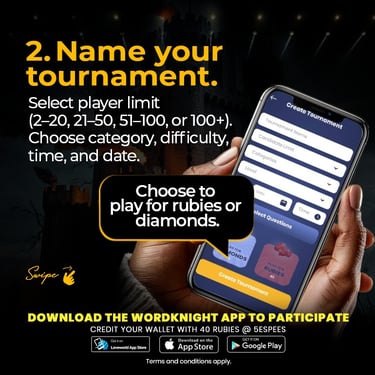
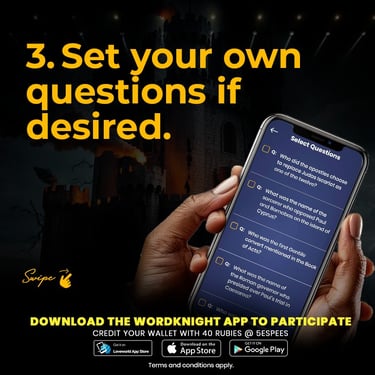
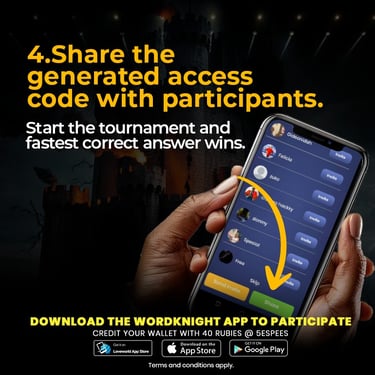
To host a tournament, start by navigating to the Tournaments section of the app. From there, you can create a new tournament by selecting the question categories you want, setting the tournament time, and defining participation rules. Once created, your tournament becomes accessible to other players who can join at the scheduled time.

Hosting Your Own Tournaments
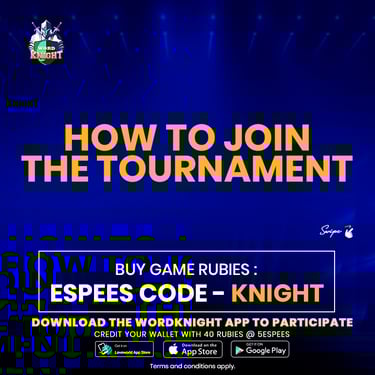
How To Join Tournaments
Joining a tournament is quick and straightforward.
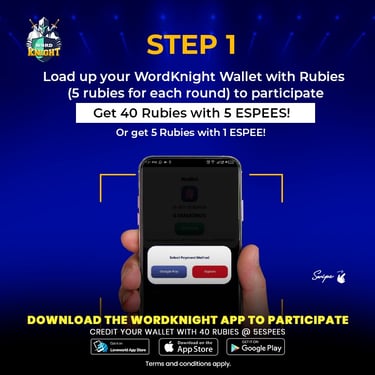
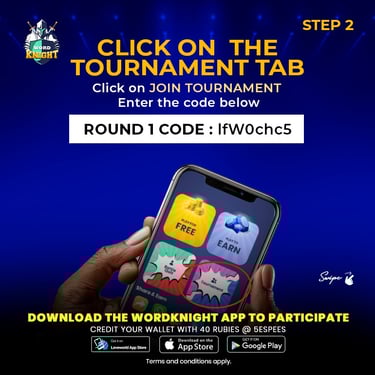
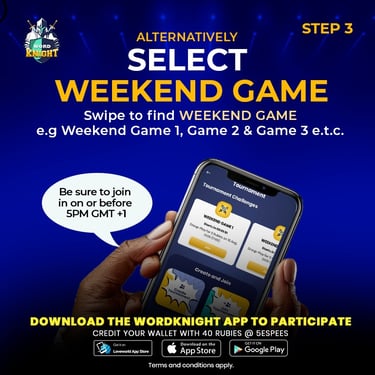
When a tournament is live or scheduled, it will appear in the Tournaments section of the app. Simply select the tournament you want to participate in and confirm your entry. Once the tournament begins, you’ll answer questions in real time, earning points based on accuracy and speed.
Tournaments are competitive but friendly, allowing players from different locations to participate together while sharpening their Bible knowledge.

Joining Tournaments